

Countdown Timer
Count down to a match, launch or live event, and let readers set a reminder so they come back when it starts.
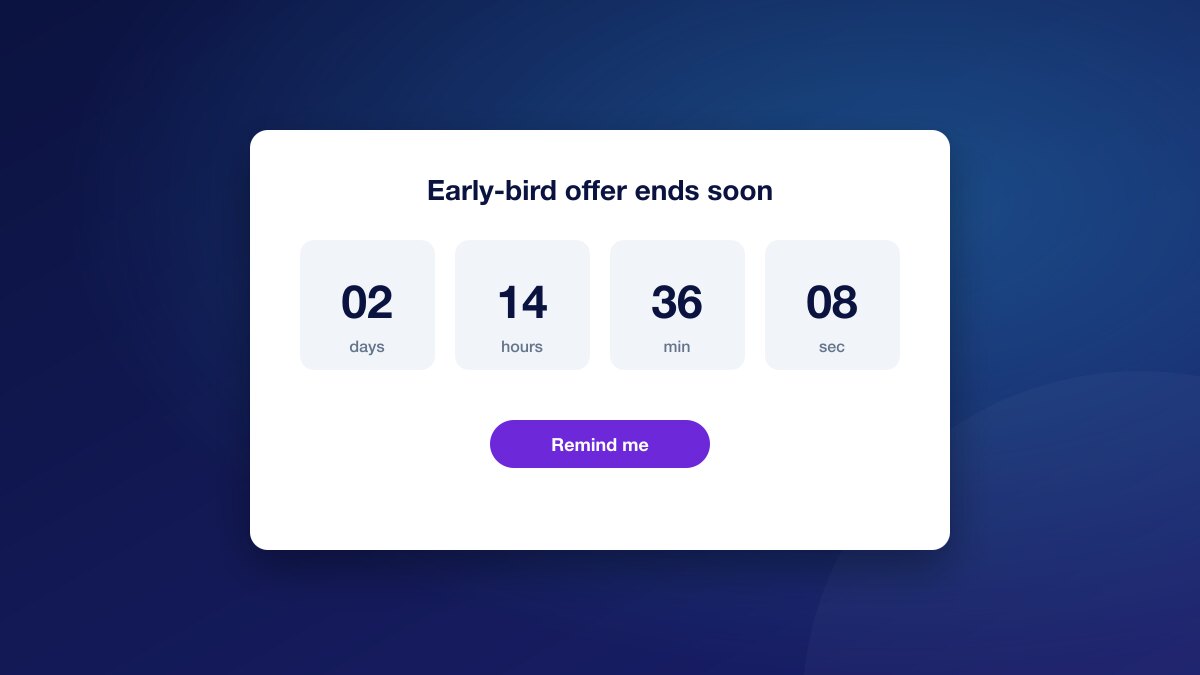
Introduction
The Countdown Timer shows the days, hours, minutes and seconds to an event, with a button readers can use to set a reminder.
It builds anticipation for live coverage, launches and sales, and turns interest into a reason to register and return.
Features
- 1Live Countdown
- A clear timer to the date and time you set, updated as the reader watches.
- 2Reminder Sign-Up
- Readers set a reminder with one click; those who are not logged in are asked to sign up first.
- 3Your Words And Colours
- Write the heading, text and button label, and set the button and text colours.
- 4Optional Ad Slots
- Add an ad placement above or below the timer to monetise high-traffic event pages.
Use cases
- Count down to kick-off, a race or a live blog.
- Build anticipation for a product launch or a sale.
- Grow registrations from readers who want a reminder.
How it works
Set the event time, text and colours in the UniSignIn dashboard, then target the timer with Orchestration or place it with a container.
<div data-exp="unis-countdown"></div>Own your audience data, grow your revenue
The complete first-party data solution built specifically for publishers who want independence from third-party cookies
Privacy-First Login
Build reader trust with transparent, compliant authentication
Actionable Insights
Transform reader behavior into targeted content strategies
Seamless Integration
Live in days, not months, with your existing CMS
Proven Results
40% higher ad rates and 35% growth in subscriber conversion
Trusted by leading publishers to reclaim audience relationships and maximize monetization opportunities.
Stay ahead in first-party data
Identity, consent, audience, and subscription insights for publishers. A few emails a month, no spam.